Wolf Variutils
A downloadable tool for Windows
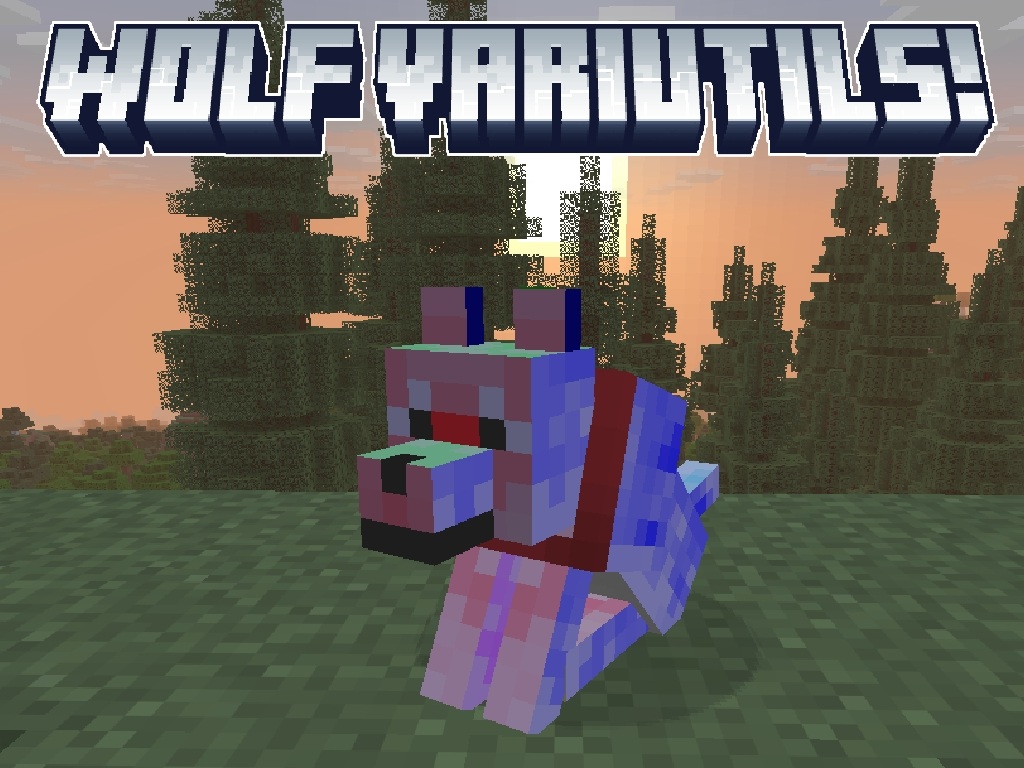
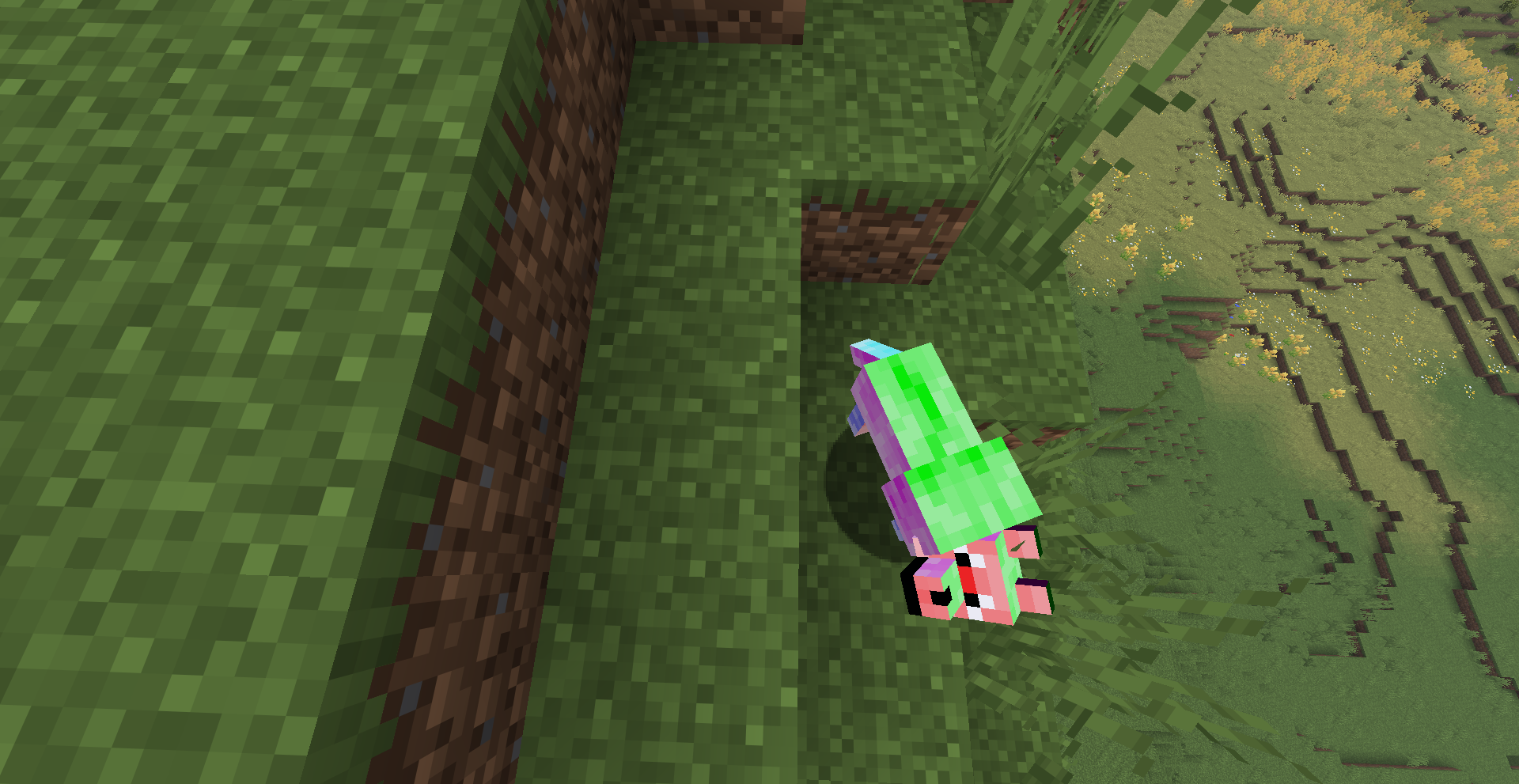
This software generates data pack and resource pack files that work together in Minecraft to provide new wolf variants.
Overview
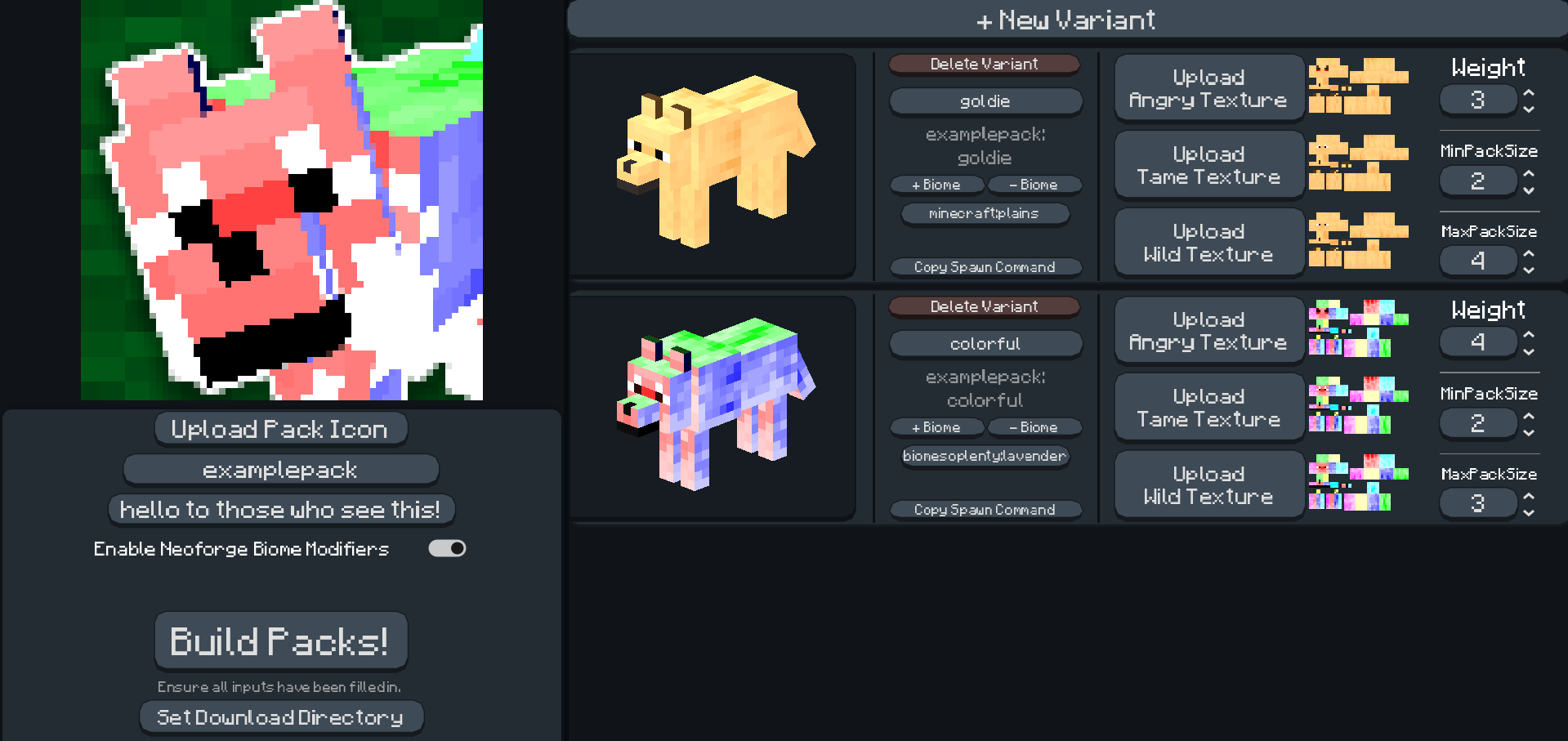
Using Variutils, you can input image files, names, and biomes for a wolf variant and it will automatically be inputted a data pack and resource pack couple! It is also optionally available to enable Neoforge biome modifiers, which modify the places wolves can spawn in!
How to use
Make sure to input the pack name and description, along with a download directory where your packs will appear. Click, 'add variant' to add a new variant. Click the respective buttons to add textures. To preview a texture on the wolf model, click on the image that loads after the texture is uploaded.
To show Neoforge biome modifiers to add wolf spawning areas, enable the check button below the description input. The weight of a wolf is how likely it will spawn relative to all mobs in the area, and 'min' and 'max' pack size is how many wolves will spawn at once. To finish and build your pack, click the big ol' build packs button! The folder will appear before your eyes.
Pack Installation
This tool generates two folders: [pack name]-Data and [pack name]-Textures. The 'Data' folder is the data pack, which will be installed by dragging it into the Minecraft window while in the data pack screen during world creation. To install the 'Textures' folder, which is actually just the resource pack containing the textures just drag the folder into the Minecraft window while in the resource pack screen, which is usually found in settings while in a world.
Both packs must be installed to the Minecraft world at once, or else there will be some pretty funky results.
Tips
When using this software, you must know a few things:
Make sure to fill out ALL inputs available for best performance!
When inputting a biome for a variant to spawn in, make sure to include the namespace of the biome. (EX: input "minecraft:plains" not "plains")
This IS compatible with other additions to Minecraft, such mods those that add new biomes. In fact, you can even add wolf variants to modded biomes!
This software is NOT in any way affiliated with or approved by Mojang, Minecraft, or Microsoft in any way. All assets in this software belong to their respective owners.
Thanks to @BelgieMinecraft on Youtube for the template used to make this possible.
Download
Install instructions
Open the exe file! This tool can optionally enable the use of Neoforge, so make sure to have that if preferred.
Development log
- Wolf Variutils has been released!94 days ago
Leave a comment
Log in with itch.io to leave a comment.